Step 6: Scene priority
You will notice that the Movie scene has jumped to the top of the list. This is because the Entity state condition has a higher priority than conditions like Time of day: Daytime.
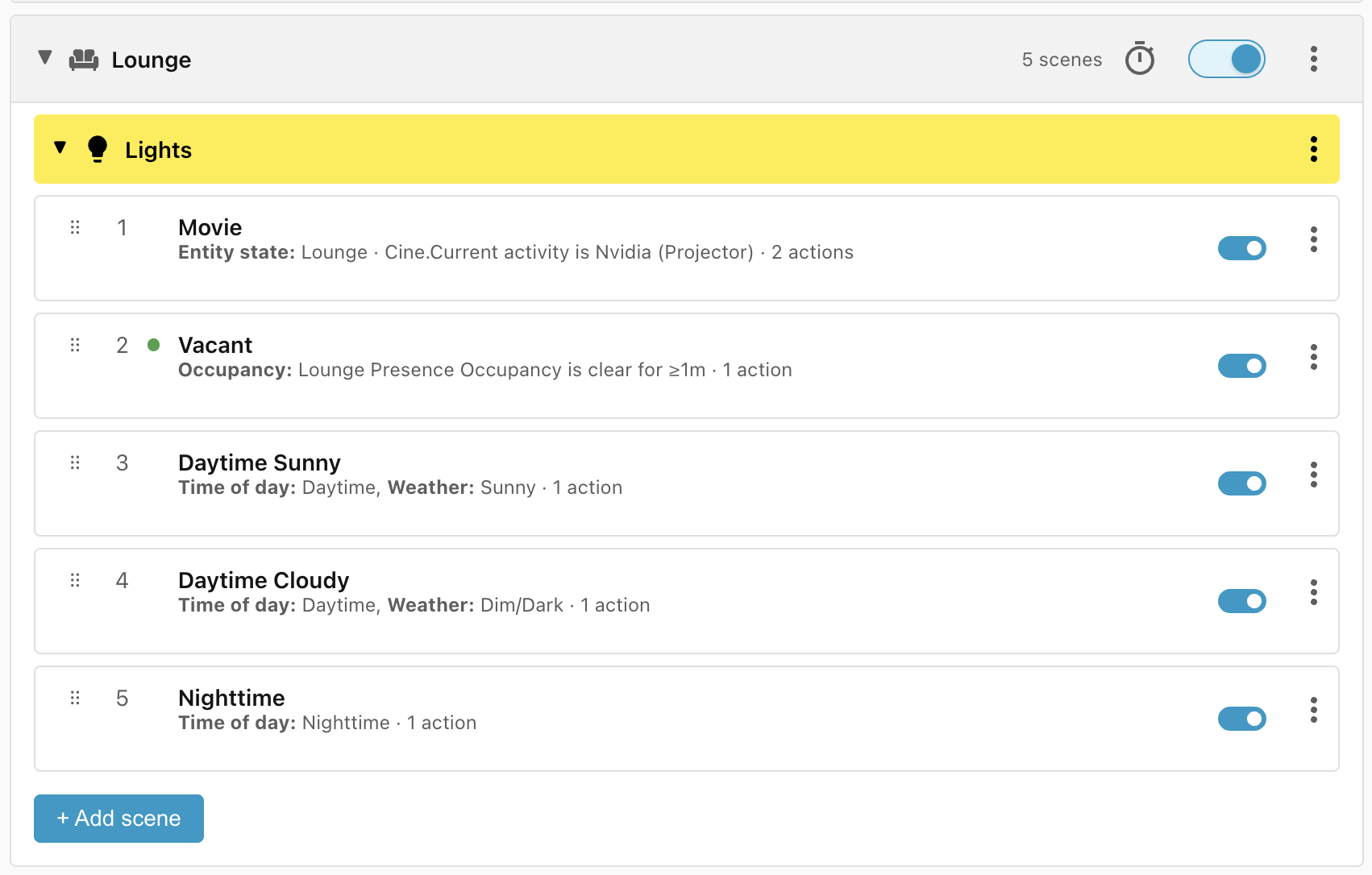
Sorting by range specificity
The Time of day condition will also compare time ranges, sorting a more specific Evening time range above a less specific Nighttime time range. A time range of 18:00-20:00 would sort before 12:00-24:00 so that the first time range has a chance of matching, even though it is entirely covered by the second time range. The same applies to the Lux and Sun conditions.
Reordering scenes manually
While the heuristics used to sort scenes by priority and specificity usually work, sometimes they will get it wrong and you will want to change the order of scenes manually.
For instance, the way the scenes are ordered at the moment, if the projector is turned on then the sidetable lights will be turned on even if the room is vacant. If we wanted to change the logic so that the Vacant scene should be more important than the Movie scene, then all we need to do is to use the ⠿ drag handles to drag the Vacant scene above the Movie scene:
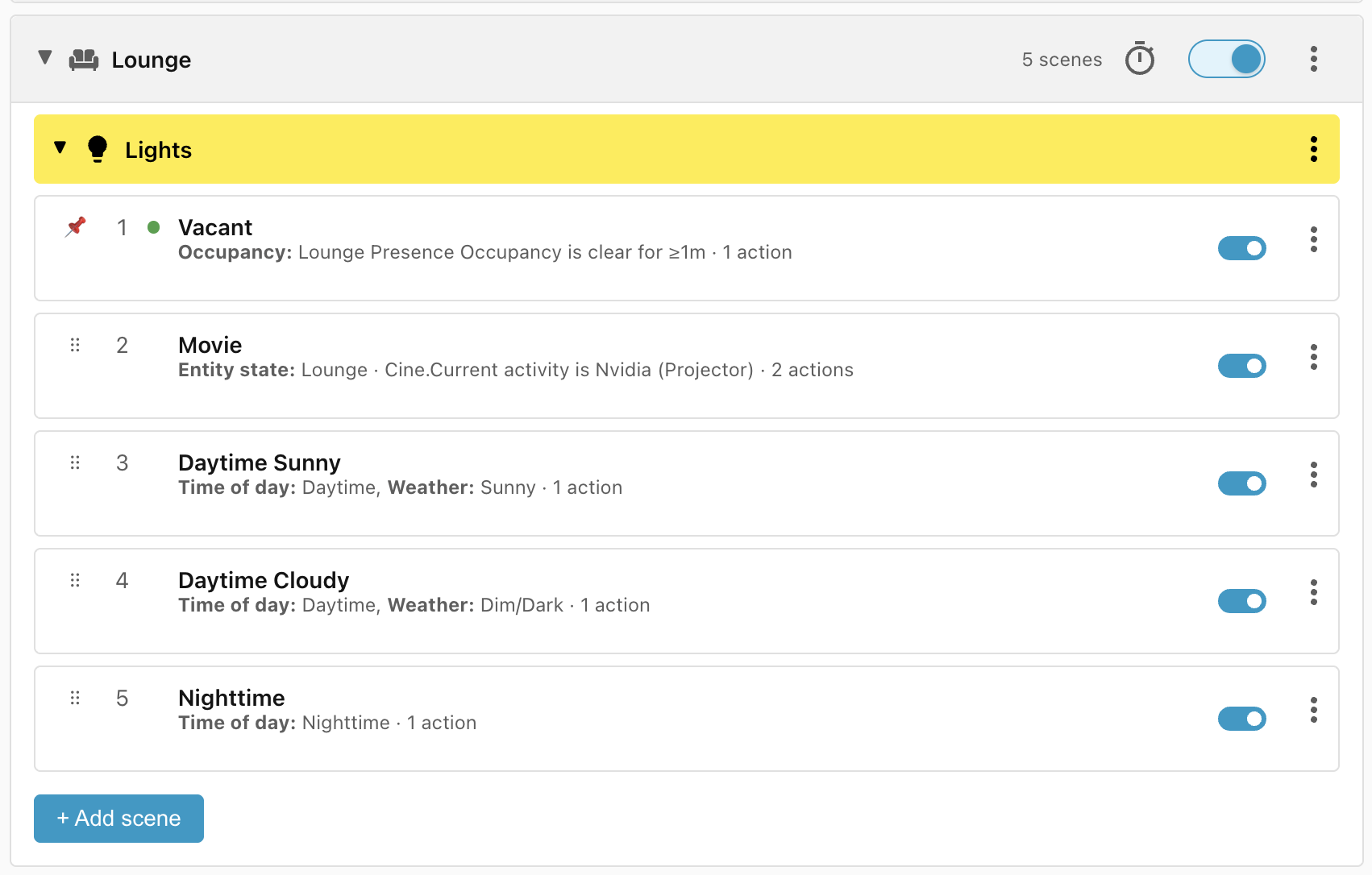
The red pin shows that the scene has been manually reordered, and clicking the pin will restore automatic ordering.
Next: Step 7: Blocking scenes.