Weather
The weather condition checks the current state reported by a Home Assistant weather entity — both the named condition (sunny, cloudy, rainy, and so on) and numeric attributes such as temperature, humidity, and wind speed.
Configure a weather entity
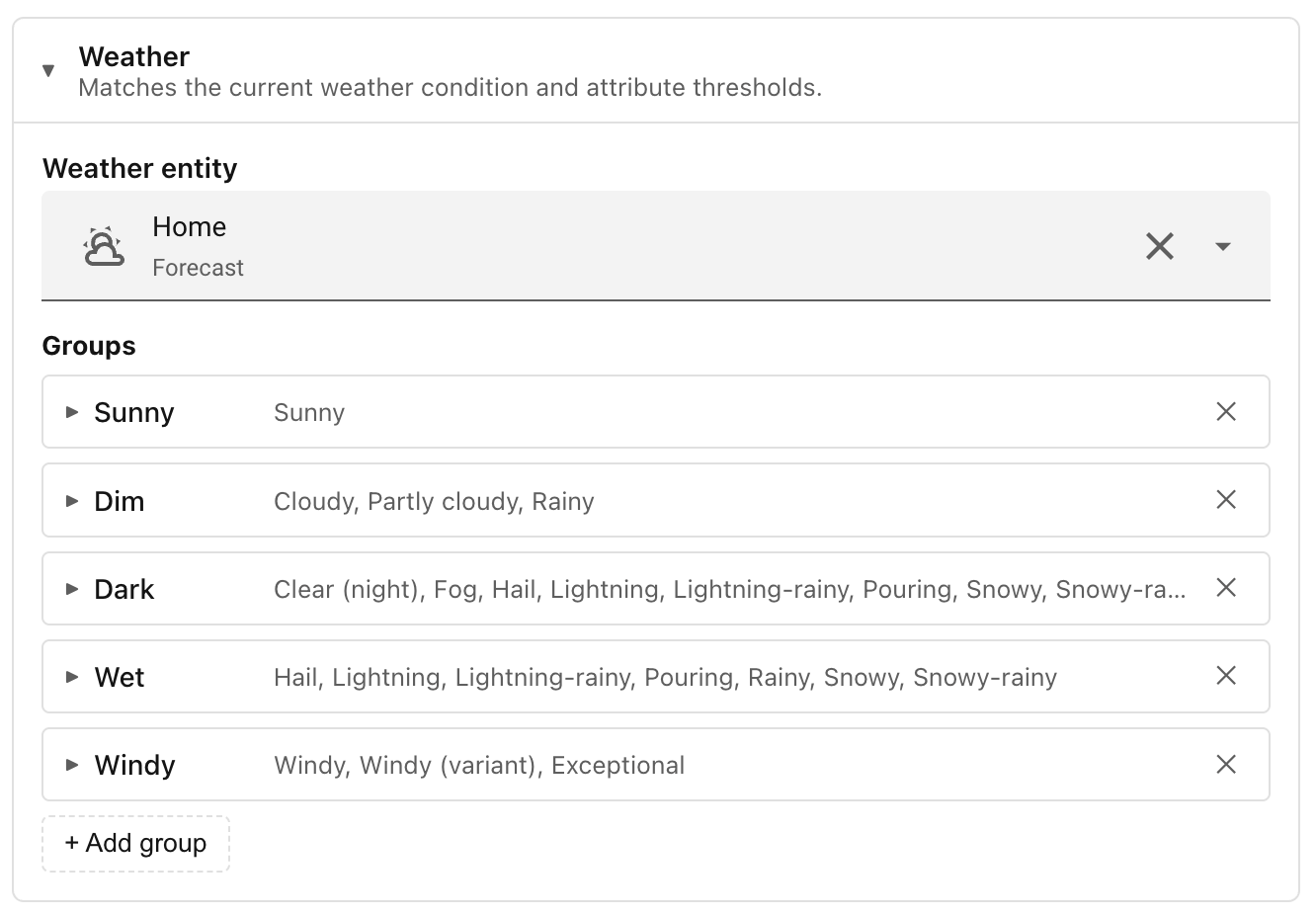
Before the weather condition can do anything, you need to tell Ambience which weather entity to reference, as explained in Add a Weather integration.
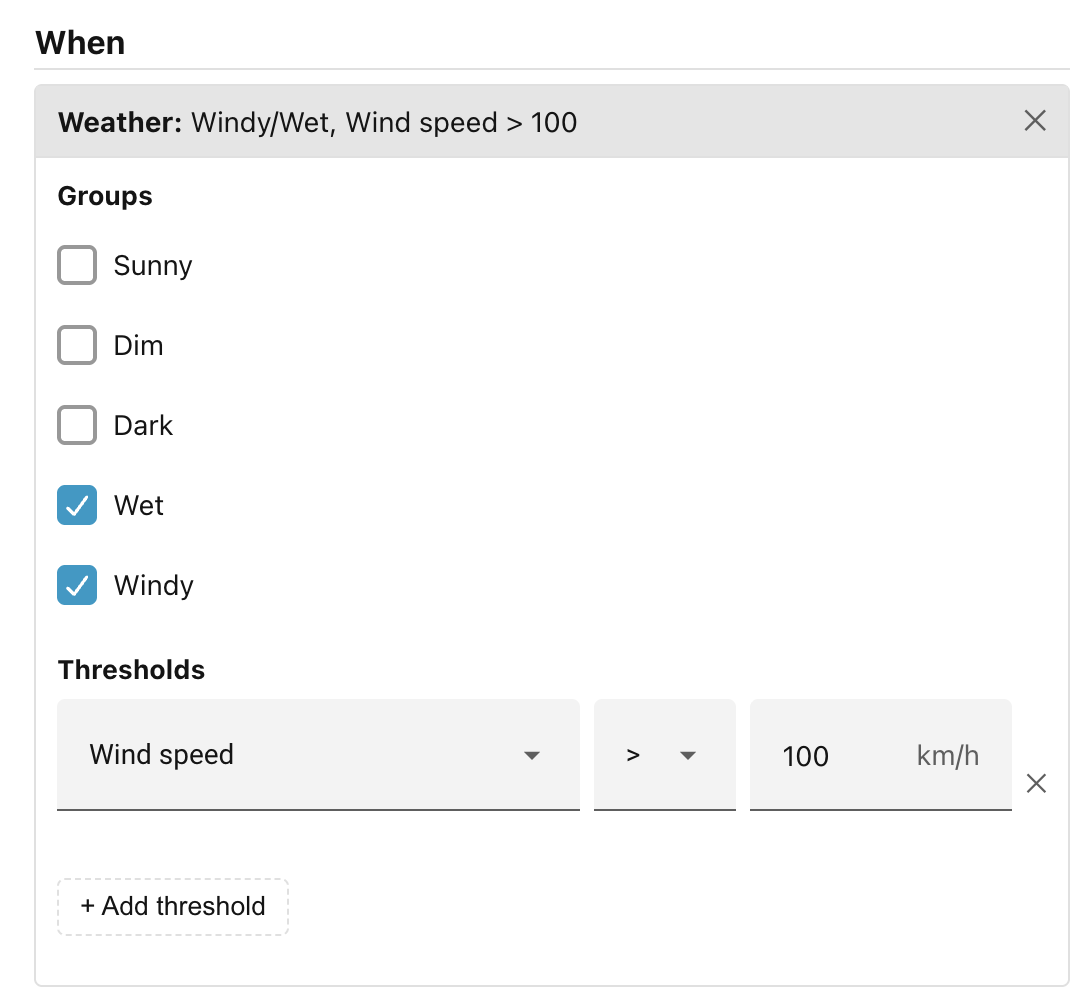
In the scene editor, click + Add condition… and choose Weather. The condition panel has two independent sections — Groups and Thresholds — and you can use either, both, or neither.
Groups
A group is a named collection of weather states. When you tick one or more groups, the condition passes only if the current weather state belongs to at least one of them.
Ambience comes with five built-in groups:
| Group | Weather states it covers |
|---|---|
| Sunny | Sunny |
| Dim | Cloudy, Partly cloudy, Rainy |
| Dark | Clear (night), Fog, Hail, Lightning, Lightning-rainy, Pouring, Snowy, Snowy-rainy, Exceptional |
| Wet | Hail, Lightning, Lightning-rainy, Pouring, Rainy, Snowy, Snowy-rainy |
| Windy | Windy, Windy (variant), Exceptional |
You can add your own groups in the panel's settings under the Conditions tab. Each custom group has a label and a list of individual weather states drawn from the full set that Home Assistant defines. Once saved, your custom groups appear alongside the built-ins in every scene's weather condition picker.
Thresholds
A threshold tests a numeric attribute of the weather entity against a value you supply. Click + Add threshold and choose:
- Attribute — one of: Temperature, Apparent temperature, Humidity, Wind speed, Pressure.
- Comparator — less than (
<), at most (≤), greater than (>), at least (≥). - Value — the number to compare against. The unit shown matches what your
weather entity reports (for example
°CorhPa).
You can add as many thresholds as you like. All of them must hold for the condition to pass.
Combining groups and thresholds
Groups and thresholds work together. If you select the Wet group and add a threshold of "Temperature ≥ 5", the condition passes only when the weather is wet and the temperature is at least 5 degrees. Neither check alone is sufficient.
For a worked example that builds a weather-based scene, see Step 4 of Getting started.
Notes
- If the configured weather entity is unavailable or not yet loaded, the condition does not match. Scenes that depend on the weather condition are therefore skipped until the entity reports a valid state.
- If you rename or delete a custom group that is already referenced by a scene, Ambience will warn you via a banner in Settings listing the affected scenes.
Next: Actions.