Installation
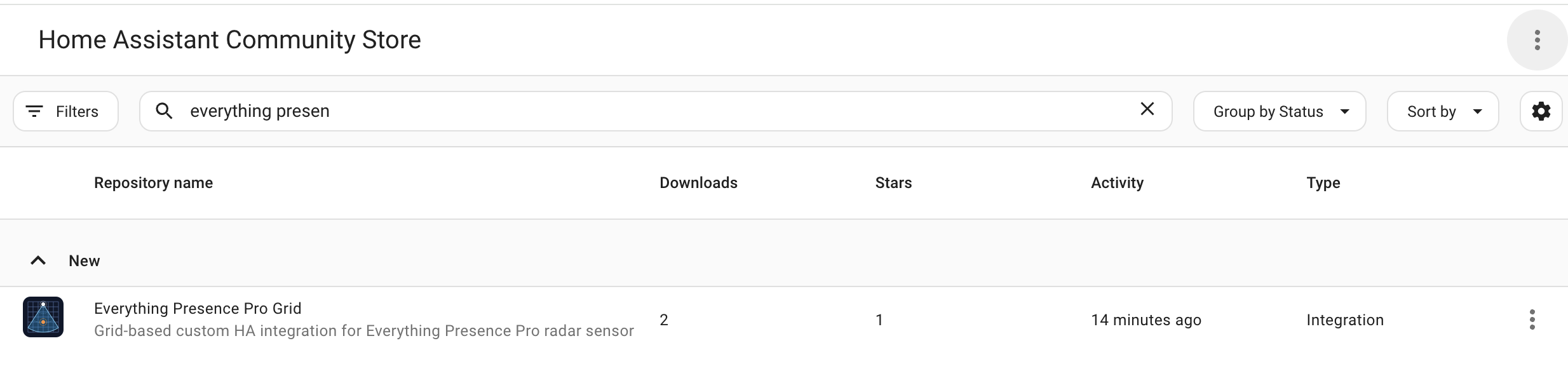
Everything Presence Grid (formerly Everything Presence Pro Grid) is in HACS's default integration list, so you can install it directly. HACS handles installs and updates the same way as for any other integration. You'll need a working Home Assistant install to add it to.
Prerequisites
- Home Assistant 2026.5.0 or newer.
- HACS installed (recommended).
Install via HACS (recommended)
Quick install (My Home Assistant button)

Click the button and confirm the dialog in your Home Assistant to open the Everything Presence Grid page in HACS. Click Download, then restart Home Assistant.
From the HACS list
- Open HACS in the Home Assistant sidebar.
- Search for Everything Presence Grid and open it.
- Click Download.
- Restart Home Assistant.
Install manually
If you can't use HACS:
- Download the latest release archive from the Releases page.
- Unpack it and copy
custom_components/eppgrid/into your HA config'scustom_components/folder. - Restart Home Assistant.
After installing
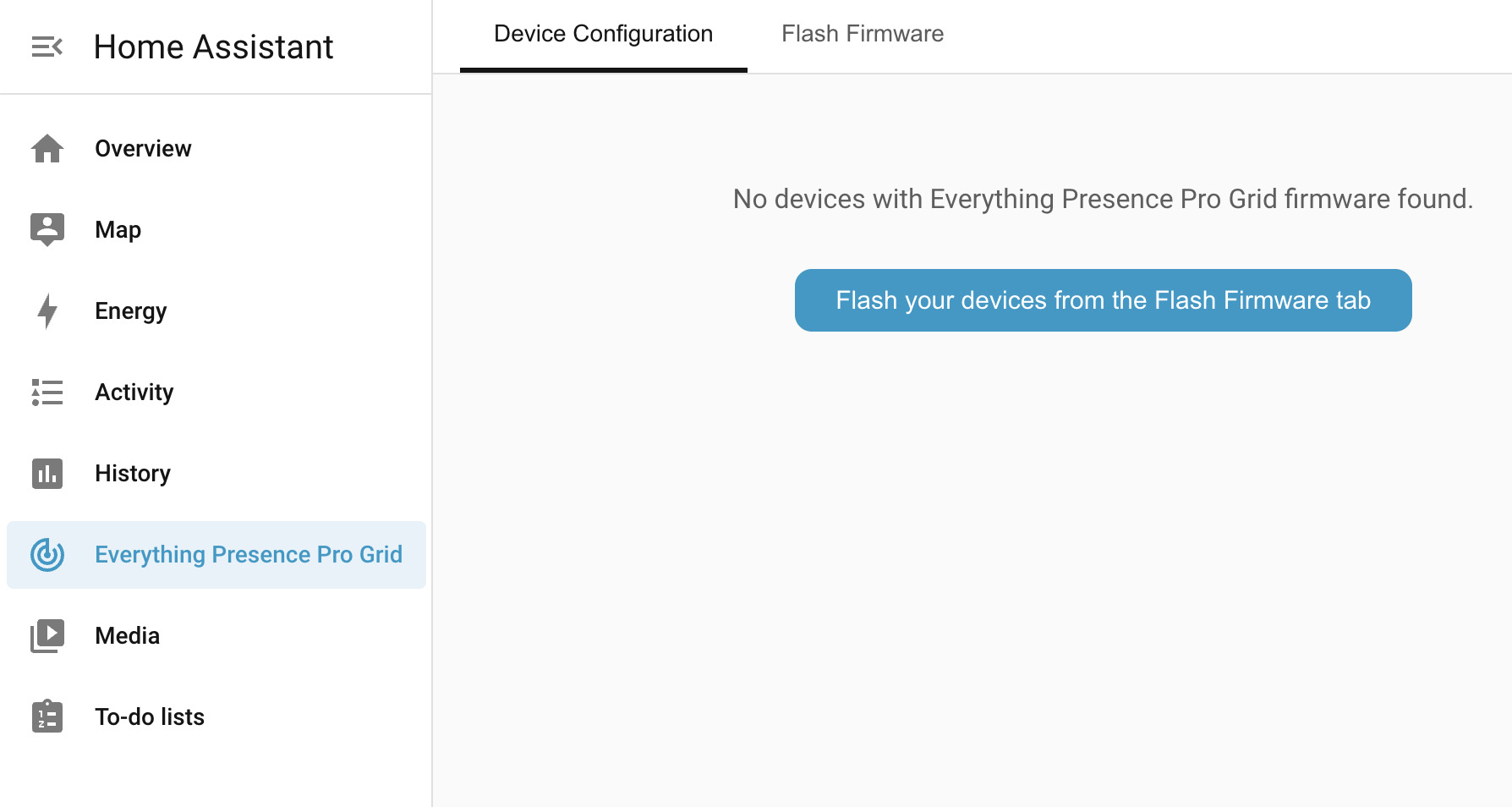
- Go to Settings → Devices & services → Add integration, search for Everything Presence Grid, and add the entry.
- The Everything Presence Grid panel appears in the HA sidebar for administrator users only — Home Assistant hides it from non-admin users. If the panel doesn't show up for you and you are an admin, hard-refresh the HA web UI (Ctrl-F5 / Cmd-Shift-R). Non-admin users can still see EPP Grid entities (zone presence, target positions, environment sensors) on any shared dashboard via the standard Home Assistant entity cards.
- The panel starts empty. See Flashing firmware to put Everything Presence Grid firmware on your first device.
After adding your first device, the panel walks you through naming it and assigning an area — see Flashing firmware.
Troubleshooting
| Symptom | Likely cause | Fix |
|---|---|---|
| HACS doesn't list the integration | HACS hasn't refreshed its default repository list yet | Wait a few minutes and search again, or restart Home Assistant to make HACS refresh its list. |
| Integration installed but the panel doesn't appear in the HA sidebar | Integration entry hasn't been added yet, or you're signed in as a non-admin user | Confirm you're signed in as an administrator (the panel is admin-only). Otherwise go to Settings → Devices & services → Add integration and add Everything Presence Grid. If the panel still doesn't appear, hard-refresh the HA web UI (Ctrl-F5 / Cmd-Shift-R). |
| "Integration update required" banner appears immediately after install | Your device firmware is newer than the integration release you've just installed | Either update the integration to a newer release in HACS, or downgrade the firmware to match. |
| Manual install done but panel still not appearing | custom_components/eppgrid/ is in the wrong place, or nested one level too deep |
Verify the eppgrid/ directory sits directly under your HA config's custom_components/ folder, and check HA logs for import errors. |
Still stuck? See Troubleshooting for how to open an issue.
Where to next
- Flashing firmware → — put Everything Presence Grid firmware onto your device.