Entities
The defaults expose what most automations actually need: room occupancy and per-zone presence (once calibrated). Everything else is left disabled to reduce network chatter and the update load on Home Assistant.
Toggle a row under Settings → Entities and click Save to enable or disable the matching Home Assistant entity.
Room level
Room-wide presence and target counts.
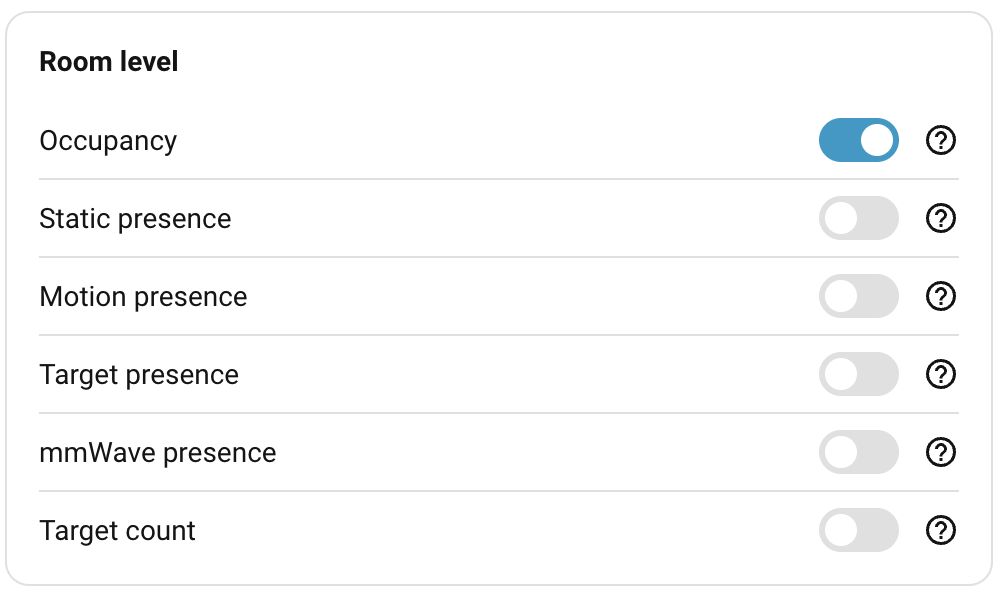
| Entity | Default | What it reports |
|---|---|---|
Occupancy (binary_sensor.<device>_occupancy) |
On | Combined room presence. Flips on when any of the zone, motion, or static signals report "someone here". Use this for "is anyone in the room". See How detection works. |
mmWave Presence (binary_sensor.<device>_mmwave_presence) |
Off | Radar-only presence. Combines the static-presence sensor and zone activity from the LD2450, with the PIR ignored. Useful when you need to limit the detection range. |
Static presence (binary_sensor.<device>_static_presence) |
Off | Raw output of the SEN0609 mmWave static-presence radar, with its own pending state applied. Useful for debugging or for automations that should only react to genuine stillness. |
Motion presence (binary_sensor.<device>_motion_presence) |
Off | Raw output of the PIR motion sensor, with its own pending state applied. Useful for low-latency triggers like entry detection or security automations. |
Target presence (binary_sensor.<device>_target_presence) |
Off | True whenever the LD2450 is actively tracking at least one target. Independent of any zone. |
Target count (sensor.<device>_target_count) |
Off | Number of targets the LD2450 is currently tracking (0–3), independent of any zone. |
On the Everything Presence Lite: only Occupancy and Target count are present here. The Lite has no static-presence radar or PIR, so Static presence and Motion presence don't exist. Target presence and mmWave Presence are Pro-only too: both are derived from LD2450 zone activity, and on the sensorless Lite they collapse into Occupancy (Target presence is identical to it), so the Lite exposes Occupancy alone.
Zone level
Per-zone state. There are eight zone slots: zone 0 (the Rest of room, everything outside any named zone) plus seven user-paintable zones. Each enabled zone produces its own pair of entities.
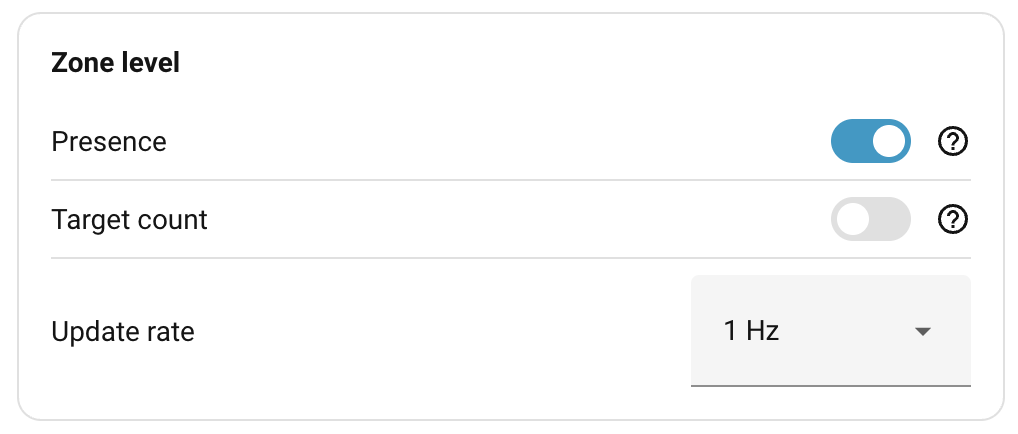
| Entity | Default | What it reports |
|---|---|---|
Presence (binary_sensor.<device>_zone_<N>_presence) |
On (when calibrated) | Per-zone occupancy from the zone state machine. |
Target count (sensor.<device>_zone_<N>_target_count) |
Off | Number of LD2450 targets currently inside the zone. |
| Update rate | 1 Hz | How often the zone entities above get updated. See Update rate. |
These entities only appear once the room is calibrated, since before that there's no concept of zones.
Target level
Per-target output from the zone engine, exposed as up to three target slots. The position values are smoothed by the engine (see How detection works → Smoothing and signal strength) and the signal value is the engine's 0–9 detection score. These entities give you direct visibility into what the engine sees per target. The data updates frequently and is mainly useful for debugging or research; most automations won't need it.
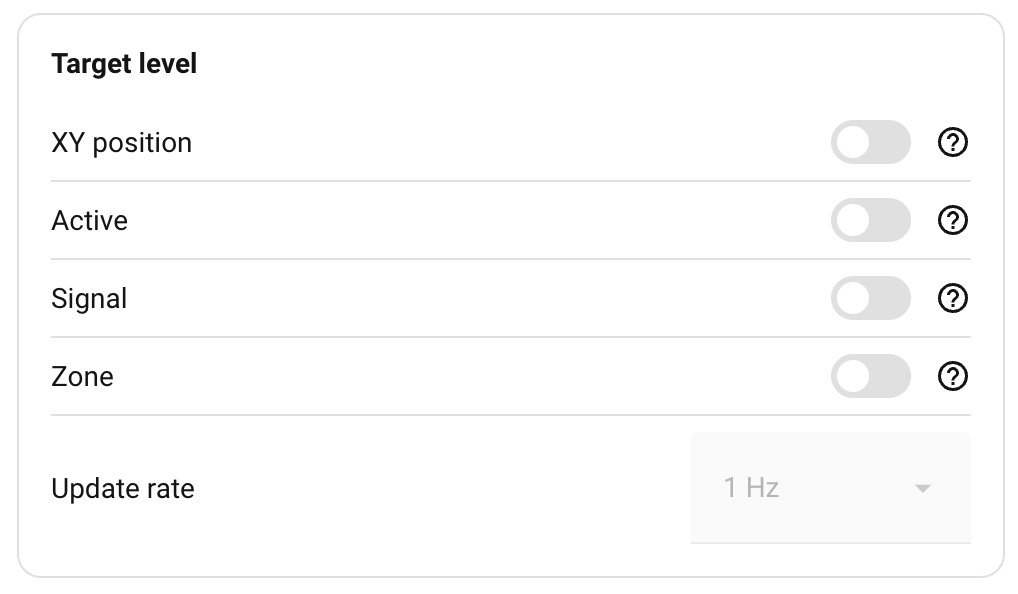
| Entity | Default | What it reports |
|---|---|---|
XY position (sensor.<device>_target_<N>_x / _y) |
Off | Each target's x, y position mapped to the room grid. |
Active (binary_sensor.<device>_target_<N>_active) |
Off | Per-slot tracking state. True when slot 1, 2, or 3 currently holds a target. |
Signal (sensor.<device>_target_<N>_signal) |
Off | Per-slot 0–9 signal strength. See How detection works → Smoothing and signal strength. |
Zone (sensor.<device>_target_<N>_zone) |
Off | Which zone each target is currently inside. |
| Update rate | 1 Hz | How often the target entities above, and the room-level Target count, publish. See Update rate. |
Target-level entities also require a calibrated room.
Note
When a target slot is inactive (i.e. the LD2450 isn't currently tracking that
slot), target_<N>_x, _y, _signal, and _zone all report unknown rather
than a numeric value. Gate any numeric automation or graph on the matching
target_<N>_active so the inactive period doesn't appear as a 0 or as a
missing value of unclear cause.
Environmental
Climate readings from the on-board sensors. They report room state independently of presence detection. Each toggle controls whether the matching Home Assistant entity is exposed.
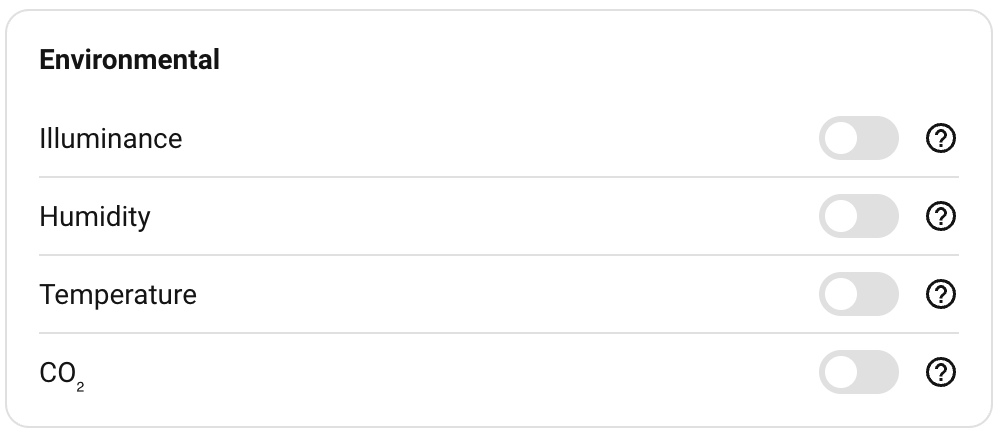
| Entity | Default | What it reports |
|---|---|---|
Illuminance (sensor.<device>_illuminance) |
Off | BH1750 lux meter. |
Humidity (sensor.<device>_humidity) |
Off | SHTC3 relative humidity. |
Temperature (sensor.<device>_temperature) |
Off | SHTC3 temperature. |
CO₂ (sensor.<device>_co2) |
Off | SCD4x. Optional add-on. The entity stays unavailable if the module isn't fitted. See Hardware → Environmental sensors. |
Note
Temperature and humidity readings are biased by the device's own waste heat and by where it's mounted. Use the environmental offsets under Sensor calibration to nudge the average closer to a reference. Treat them as trend indicators rather than reliable climate sensors.
Diagnostics
Device-health entities. Unlike the groups above, these aren't toggled under Settings → Entities — they're always enabled and appear under the device's Diagnostic section in Home Assistant.
| Entity | Default | What it reports |
|---|---|---|
Tracking Sensor (binary_sensor.<device>_tracking_sensor) |
On | Whether the LD2450 tracker is sending data. Connected while frames are arriving (the tracker streams continuously, even in an empty room); Disconnected if it goes silent or never starts. Distinct from Target presence — a failed or disconnected tracker reads Disconnected here instead of just looking like an empty room. |
Update rate
Both the Zone-level and Target-level groups end with an Update rate dropdown that sets how often the device publishes the entities in that group to Home Assistant. The zone engine itself always runs at 10 Hz on the device; the rate sets how much of that output is forwarded.
| Rate | Interval |
|---|---|
| 5 Hz | 200 ms. Sub-second responsiveness, heavy on the recorder. |
| 2 Hz | 500 ms. |
| 1 Hz | 1000 ms. Default, the right balance for most rooms. |
| 0.5 Hz | 2000 ms. Quietest, fine for occasional inspection. |
The Zone update rate dropdown drives zone presence and zone target count. The Target update rate dropdown drives XY position, active, signal, target zone, and the room-level target count. Each dropdown is greyed out unless at least one entity in its group is enabled.
Room-level occupancy, motion presence, static presence, target presence, and the environmental sensors publish on their own fixed cadence and are unaffected by these dropdowns.
Where to next
- Detection ranges — how far each mmWave radar is allowed to see.
- Sensor calibration — sensitivity and timing for the motion and static sensors.